Getting Started

Watch on YouTube - Best Source for Tutorials.

UI Overview

In this tutorial, you’ll get a clear overview of the World Creator user interface. We’ll walk through the main panels, toolbars, and viewport controls to help you understand how the UI is structured and where to find the most important features.

World Creator - Getting Started - UI Overview

Controls

In this tutorial, you’ll learn how to navigate your world in World Creator using the game-style camera system and essential keyboard shortcuts. We’ll cover camera movement, mouse controls, speed adjustments, and useful shortcuts to help you move efficiently through your terrain.

World Creator - Getting Started - Controls

Basic Terrain Settings

In this tutorial, I’ll show you the Terrain Layer, where you can configure settings such as the terrain size, level of detail, and other useful parameters related to the initial terrain that World Creator automatically generates when you start.

World Creator - Getting Started - Basic Terrain Settings

MORE NEW TUTORIALS IN THE WORKS

Let's Create Tutorials

Watch on YouTube - Learning by Example.

A Christmas Tree Scene for 2025

In this 'Let's Create' tutorial, we will show you how to create a Christmas tree scene in a spruce forest.

World Creator - Let's create a Christmas tree

A Forest by a River

In this 'Let's Create' tutorial, we will show you how to create a forest like landscape with a river flow from scratch using World Creator.

World Creator - Let's create a forest with River

A Tropical Island

In this 'Let's Create' tutorial, we will show you how to build a beautiful tropical island from scratch using World Creator.

World Creator - Let's create a tropical island

Desert Biomes

In this 'Let's Create' tutorial, we will show you how to create a desert landscape from scratch using World Creator. But that's not all!

World Creator - Let's create three desert biomes

Bridge Tools Tutorials

Watch on YouTube - Learning by Example.

Blender Bridge

In this tutorial, we will show you how to sync a terrain out of World Creator and take it to Blender using the World Creator Blender bridge, which can be downloaded in the customer portal on the World Creator website.

World Creator - World Creator to Blender Bridge Tool

Quick and Dirty Tutorials

Watch on YouTube - Learning by Example.

Smooth Erosions

Shows how to create smooth erosions in World Creator and to eliminate bumps and spikes.

World Creator - How to create smooth erosions.

Grid Based Sculpting

Shows how to use the Grid Based Sculpting tools to quickly create terrain shapes by design.

World Creator - Hot to use the grid based sculpting tools

Bridge Tools Tutorials

Watch on YouTube - Learning by Example.

Full Courses

Practical Practice

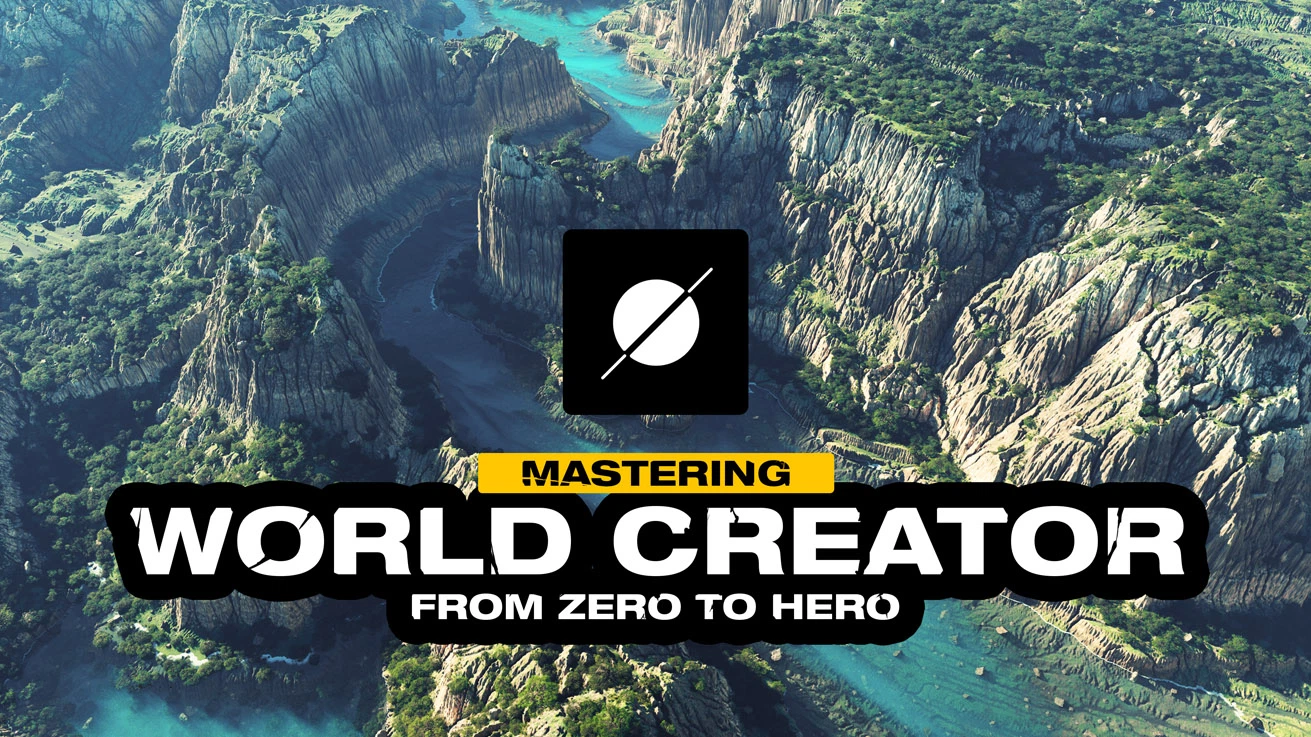
Mastering World Creator - From Zero to Hero

A complete, practical World Creator course covering the industry-proven terrain creation workflows in a structured, step-by-step way. Learn all the essential tools and workflows World Creator is known and loved for. Start with the essentials and build up to advanced techniques creating stunning landscapes in no time!

[Paid Tutorial - Created by Natiq Aghayev from Space Engineers 2]

World Creator - Mastering World Creator: From Zero to Hero

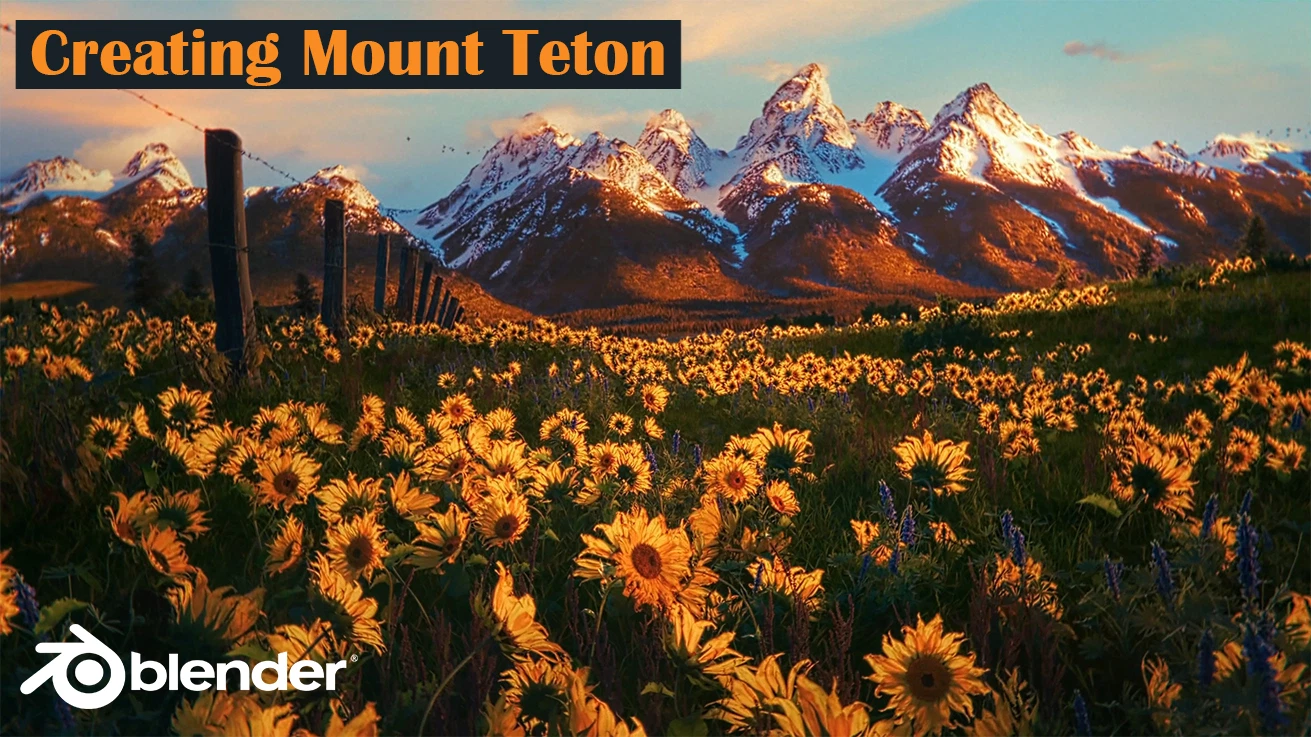
Creating Mount Teton

In this tutorial, you will learn how to create Mount Teton in World Creator. Alok will guide you through exporting from World Creator to Blender using the Sync option and the Blender plugin, and then setting up your materials in Blender.


[Paid Tutorial - Created by Alok Yadav]

World Creator - Mastering World Creator: From Zero to Hero